Queue Management System for Hospitals: The 2026 Patient-Flow Playbook
Crowded waiting rooms hurt patients and exhaust staff. In 2026, a hospital-grade queue management system has become the backbone of calm, organized patient flow in clinics and hospitals across Pakistan and the Gulf. This playbook shows how the technology reduces chaos, protects vulnerable patients, and turns a stressful visit into a manageable one.
I have spent years watching outpatient departments swing between empty and overwhelmed. The difference between order and gridlock often comes down to one thing: whether the waiting is structured or left to chance.
What a Queue Management System Does in Healthcare
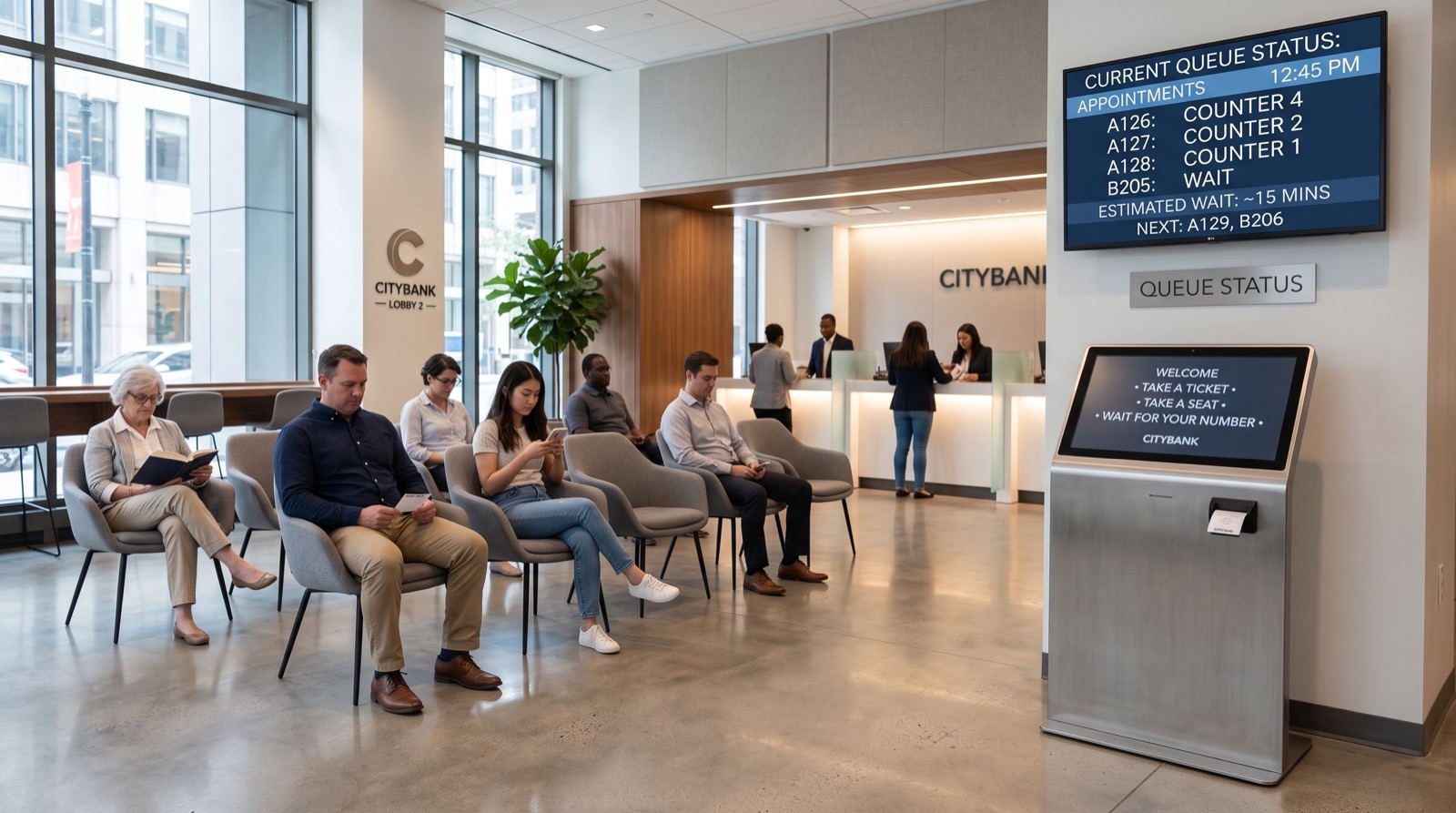
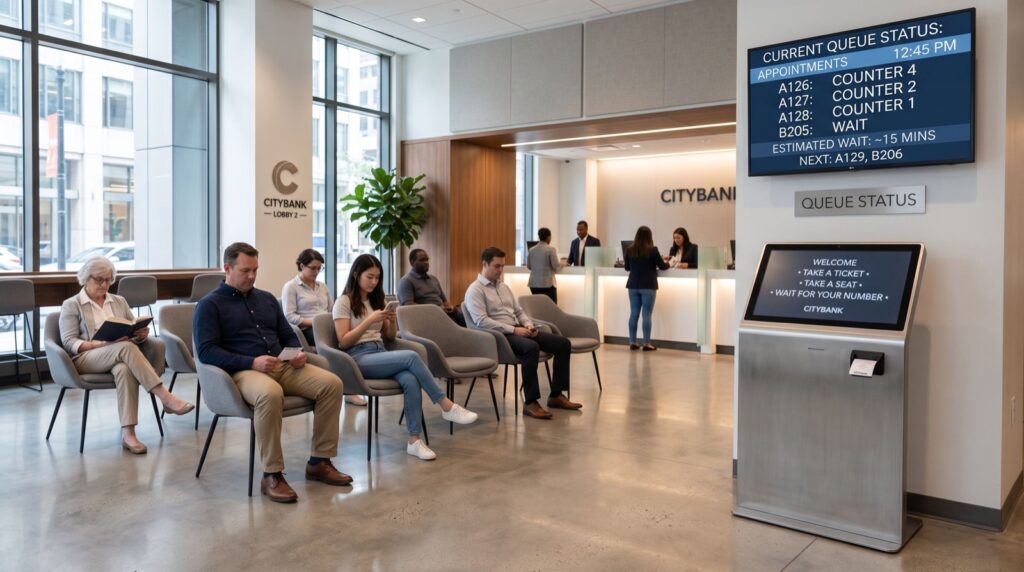
A healthcare queue management system replaces the messy scramble at reception with a clear, ticketed journey. Patients check in, receive a token, and get directed to the right department without hovering over a counter.
The result feels almost invisible when it works. People sit, relax, and trust that their turn will come. Meanwhile, administrators gain a live view of every bottleneck in the building.
- Reduced overcrowding in reception and corridors.
- Priority routing for elderly, disabled, and emergency patients.
- Fewer disputes over service order.
- Cleaner infection control through distanced, seated waiting.
Why Does Patient Flow Break Down Without One?
Manual queues rely on memory and goodwill. On a busy morning, both run out fast. Receptionists lose track, patients crowd the desk, and tempers rise.
The World Health Organization stresses that responsive, people-centered service is a pillar of quality care, as outlined in its quality of care guidance. A structured queue directly supports that goal by cutting wait anxiety and reducing the risk that frustrated patients leave before treatment.
Key Modules to Look For
Hospitals need more than a ticket printer. The right platform links registration, consultation, pharmacy, and billing into one measured journey.
| Module | Function | Patient Benefit |
|---|---|---|
| Self-check-in kiosk | Token issuance and triage | No queue at reception |
| Priority logic | Flags urgent and elderly cases | Faster care for those who need it |
| Department displays | Shows current token per room | Clear, stress-free guidance |
| Mobile alerts | SMS turn notifications | Freedom to wait outside crowded halls |
| Analytics | Wait and service-time reports | Continuous flow improvement |
How to Roll One Out in Five Steps
A smooth rollout follows a predictable order. Skip a step and adoption stalls.
- Map the journey: Walk the patient path from door to discharge and mark every wait.
- Set priorities: Define rules for emergencies, seniors, and appointments.
- Install and integrate: Connect kiosks, displays, and your hospital information system.
- Train staff: Rehearse calling, transfers, and overrides before go-live.
- Measure and refine: Review weekly reports and adjust staffing to real demand.
Here is a practical tip I rarely see in vendor brochures: assign one nurse or clerk as the daily flow owner. When someone watches the live dashboard and shifts staff between counters in real time, average wait times often drop within the first week.
Cross-Border Deployments and Support
Many hospital groups operate in more than one country. A vendor that installs a queue management system in saudi arabia and Pakistan under a single dashboard makes multi-site management far easier. Staff learn one interface, and reporting stays consistent across borders.
Local support still matters most. When a kiosk fails on a Monday morning, you need reliable local experts who can respond the same day. Before you sign, ask about spare parts, response times, and whether a technician actually visits your city.
For facilities that want a proven, locally supported platform, a purpose-built queue management system pays for itself through shorter waits and higher patient satisfaction scores.
Measuring Success After Go-Live
A queue platform earns its keep only when you track the right numbers. Vanity metrics distract; a few honest indicators tell the real story of patient flow.
- Average wait time from check-in to first consultation.
- Abandonment rate, or how many patients leave before being seen.
- Counter utilization across each hour of the day.
- Patient satisfaction captured through post-visit ratings.
Review these weekly during the first two months. Small adjustments, such as opening a second registration desk at 9 a.m., often produce outsized gains in patient comfort and throughput.
What Departments Should Adopt It First?
Start where the pain is sharpest. Outpatient departments usually generate the longest lines, so they deliver the clearest early win and build internal support for a wider rollout.
- Outpatient registration, the most common bottleneck in any hospital.
- Pharmacy, where patients cluster after consultations.
- Diagnostics and labs, which benefit from timed appointment slots.
- Billing and discharge, often the last frustrating wait of a visit.
Rolling out department by department keeps the project manageable. Each success makes the next phase easier because staff already trust the technology and understand the workflow.
Frequently Asked Questions
How does a queue management system reduce patient wait times?
It routes each patient to the correct department automatically and shows live token progress. Staff see bottlenecks instantly and reallocate resources, which trims idle time and shortens the overall visit.
Can it prioritize emergency and elderly patients?
Yes. Priority logic flags urgent, senior, and disabled patients so they move ahead in a fair, transparent way. The rules are configurable to match your hospital’s triage policy.
Will it integrate with our hospital information system?
Modern platforms offer APIs that connect with registration, electronic records, and billing. This keeps data in sync and avoids double entry at reception and consultation rooms.
Is the system hard for older patients to use?
No. Kiosks use large touch buttons and clear icons, and reception can issue tokens on a patient’s behalf. Mobile alerts are optional, so no one is forced to rely on a smartphone.
Building Staff Confidence With the New System
Technology succeeds only when the people using it feel comfortable. Reception clerks and nurses need reassurance that the platform will help rather than replace them.
Run short, hands-on sessions before go-live. Let staff issue test tokens, practice transfers, and try the override button until it feels natural. When the team trusts the tool, they use it fully, and patients feel the difference immediately.
Keep a simple one-page guide at every counter for the first month. It answers common questions on the spot and prevents small confusions from snowballing into workarounds that undermine the whole system.
Conclusion
In 2026, a dependable queue management system turns hospital chaos into calm, measurable flow. It protects vulnerable patients, eases staff pressure, and gives administrators the data to keep improving. Map your patient journey, pick the modules that fit, and insist on strong local support. Do that, and your waiting room becomes a place of reassurance rather than frustration.